


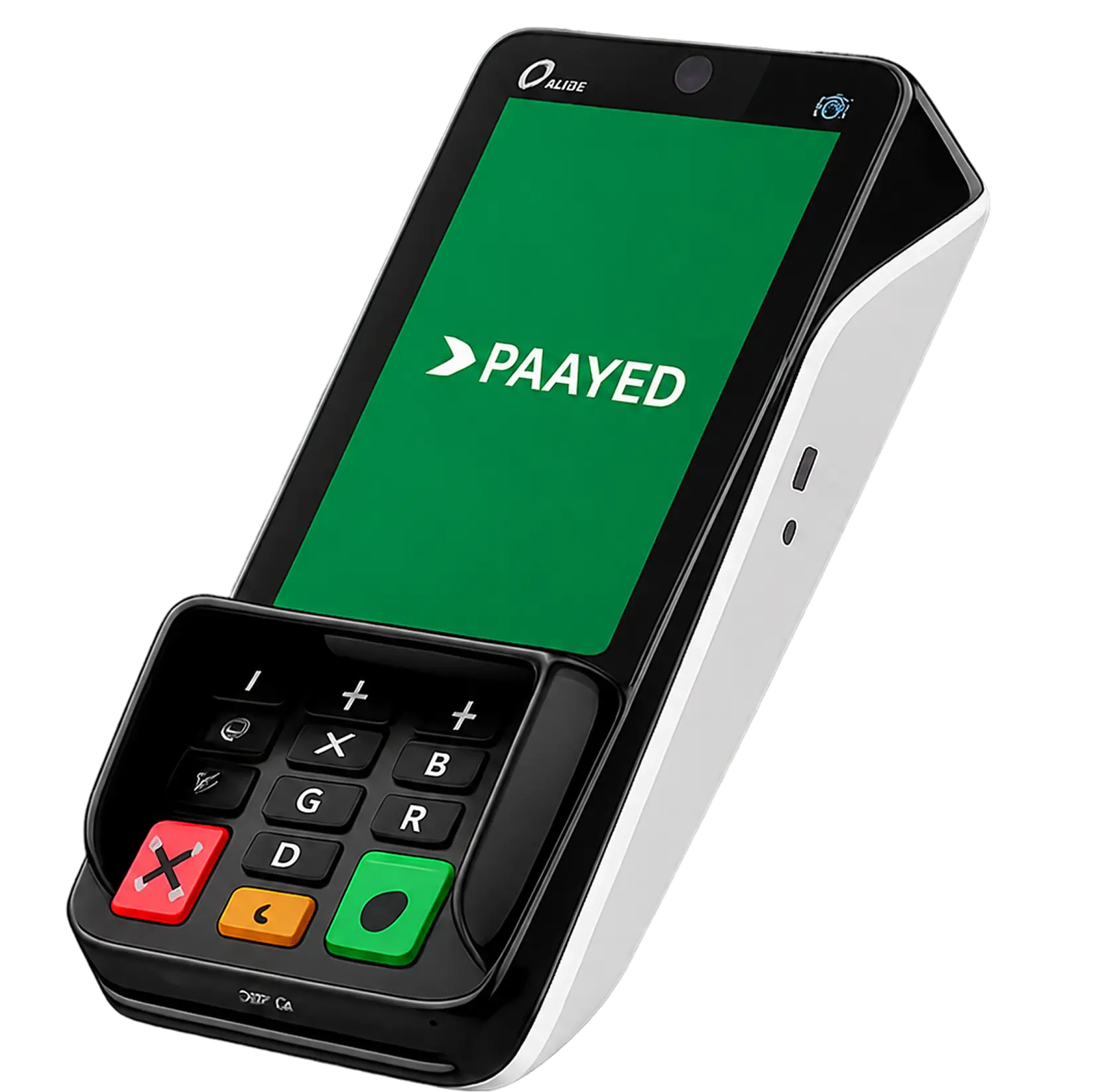

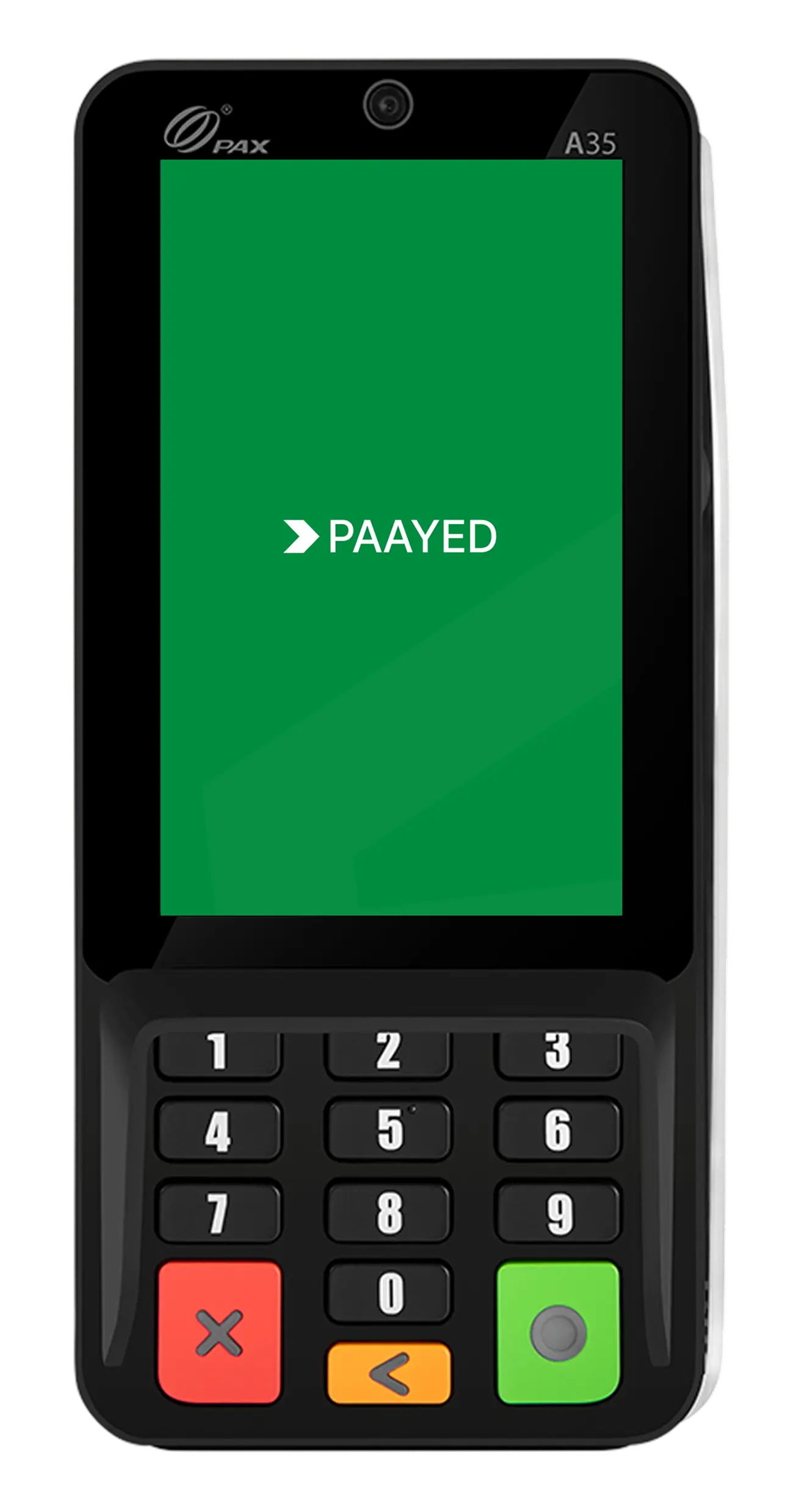
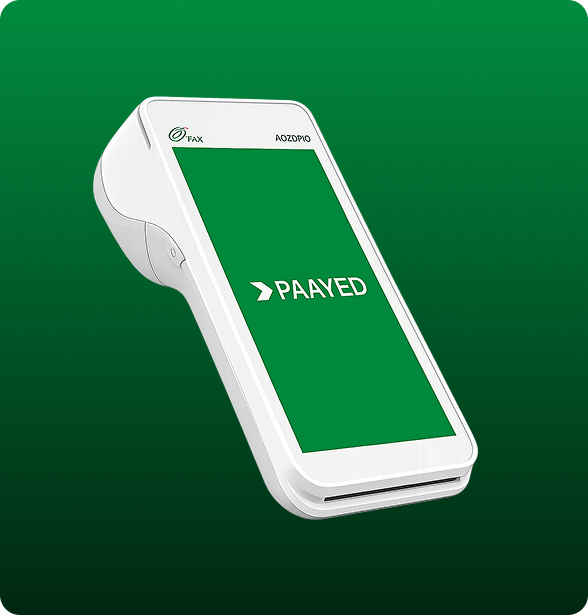
The A35 gives customers a dedicated payment device without taking over
your counter.
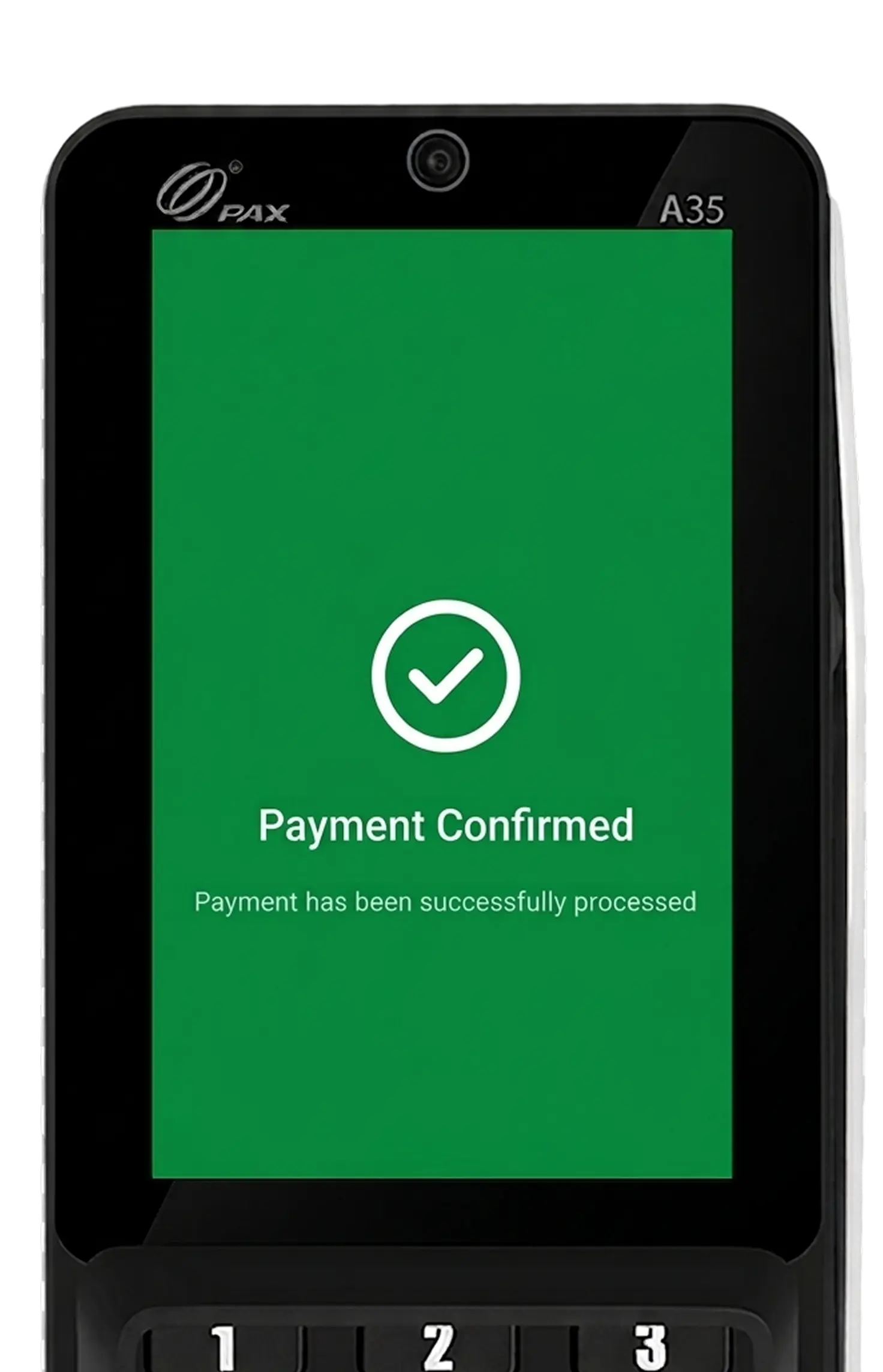
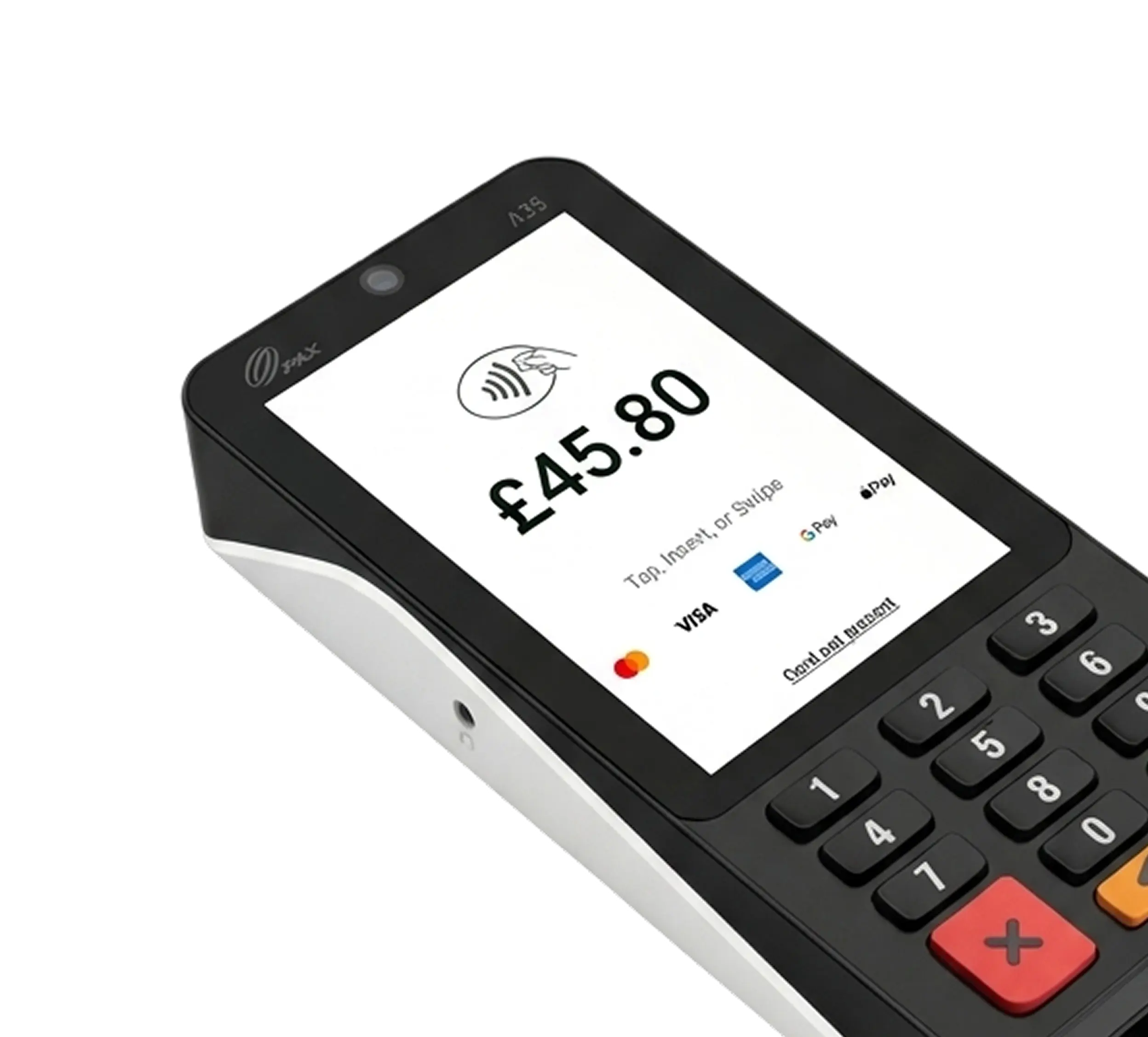
A clear display for payment amounts, instructions and confirmation.
Fits beside tills, scanners, receipt printers and other checkout equipment.
Connect the terminal through a wired network at your checkout.
Use a supported wireless connection where your setup requires it
Designed to last through long working hours of active use on a single charge.
Keep your terminal activity connected to the rest of your payment operations.
A clear display for payment amounts, instructions and confirmation.
Fits beside tills, scanners, receipt printers and other checkout equipment.
Connect the terminal through a wired network at your checkout.
Use a supported wireless connection where your setup requires it
Designed to last through long working hours of active use on a single charge.
Keep your terminal activity connected to the rest of your payment operations.
Give every checkout a dedicated payment point, so your team can keep serving customers without searching for, sharing or moving a terminal between tills.
Where customers normally come to one place to pay, the PAX A35 gives
them a dedicated payment point that fits naturally into your checkout.
Keep the A35 at your cashier or front desk for customers who settle their bill before leaving.
Ideal for cafés, bakeries and takeaway counters where customers order and pay in the same place.
Use the A35 at ticket desks, collection points or dispatch counters where customers make payment before travelling or collecting.
Set up the A35 at a fixed sales desk, registration point or merchandise counter where customers come to pay.
Keep the A35 at your cashier or front desk for customers who settle their bill before leaving.
Ideal for cafés, bakeries and takeaway counters where customers order and pay in the same place.
Use the A35 at ticket desks, collection points or dispatch counters where customers make payment before travelling or collecting.
Set up the A35 at a fixed sales desk, registration point or merchandise counter where customers come to pay.
Connect the A35 with your compatible EPOS so the payment can move
naturally from the amount entered at the till to the customer paying and
your records being updated.
When the sale is ready, the amount can be sent from your compatible EPOS to the A35. Your team does not have to stop and type the same total into a second device.
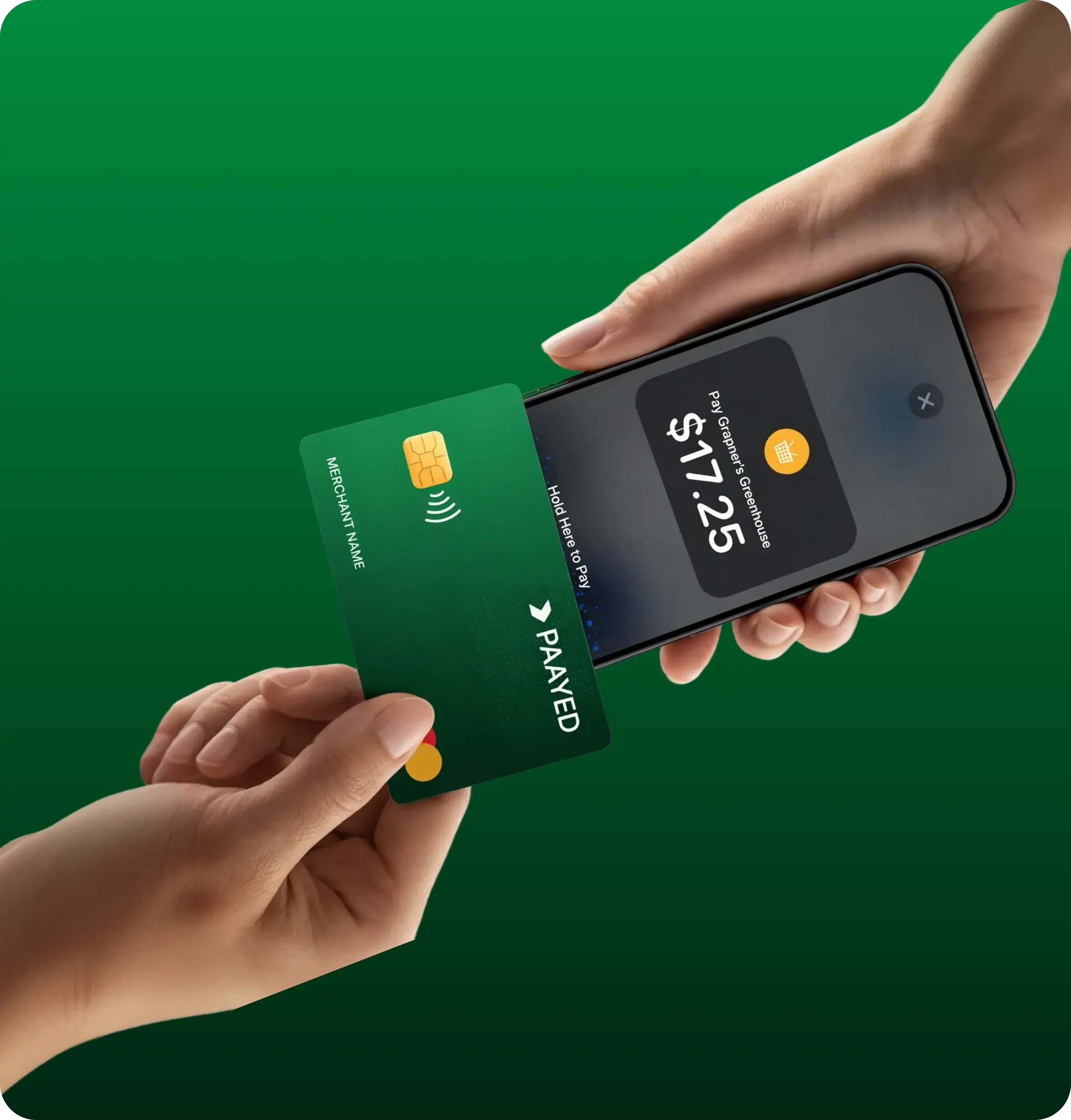
The customer sees the amount on the A35 and pays by contactless, Chip & PIN or supported mobile wallet. Once approved, the payment result returns to your connected checkout.
The Paayed A35 is one option. If your business needs a different setup, Paayed
gives you more ways to accept in-person payments.
Simple answers to common questions about how Paayed A35 supports your business.
Yes. Customers can make contactless card payments and use supported mobile wallets such as Apple Pay and Google Pay when available through their card or device. The A35 also supports Chip & PIN and magnetic-stripe cards.
The A35 is a good fit if customers usually pay at a fixed till, checkout or reception desk. It stays at the counter and gives customers their own screen and keypad to complete payment. If your staff need to carry the terminal to customers, the portable PAX A920 Pro may be a better choice.
Your payment activity is available through Paayed, so you can keep track of transactions and settlements without relying only on the terminal itself. Paayed also breaks settlements down by transaction to make it easier to understand what you have been paid for.
Start by setting up your business with Paayed and ordering the A35. If you are connecting it to an existing EPOS system, Paayed can help with the integration and onboarding process. Paayed states that its onboarding team guides merchants through setup and provides ongoing account support after going live.
Not necessarily. The A35 can connect using Ethernet or Wi-Fi, so you can choose the connection that best suits your checkout setup.
Give customers a dedicated place to pay and keep each transaction
connected to the way your business already works with Paayed.
Paayed uses cookies to keep our website secure, improve performance, remember your preferences, and personalise content where you allow it. You can accept, reject, or manage your choices in Cookie preferences.
Paayed uses cookies to keep our website secure, make the platform work properly, improve performance, and remember your preferences. Some cookies are essential, while others help us understand how visitors use our website and personalise content where you allow it. You are in control of your choices. You can allow or disable optional cookies below. Strictly necessary cookies are always active because they are required for security, login, fraud prevention, payment processing, and core platform functions. Read our Cookie Policy for more information.
Required for Paayed to work securely and correctly. They support essential functions such as login, security, fraud prevention, payment processing, and session management. These cookies cannot be switched off.
Help us remember your preferences, such as language, region, saved settings, and dashboard choices.
Help us understand how visitors use Paayed, identify issues, and improve speed, usability, and overall performance.
Help us personalise content, measure marketing activity, and understand how visitors interact with our promotional pages.
